A wolf induction controls complaint on a CI cooktop is almost always a clean-surface problem — moisture, grease, or an object on the capacitive panel — rather than a failed board.
Wolf drop-in cooktops split by fuel: induction (CI) and electric-radiant (CE) carry real verified code sets, while gas (CG) is symptom-only because gas has no code table — so the right first move depends entirely on which cooktop you own and whether a code is even possible. We start with the everyday causes you can check yourself, then explain the signs that point to a part that genuinely needs a hands-on repair.
What a wolf induction controls usually means
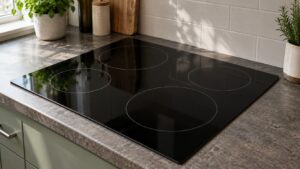
CI cooktops use capacitive touch controls that read finger contact through the glass. Liquid, grease, or an item resting on the panel confuses that sensing and can lock the controls out; Wolf flags liquid or cookware on the controls as code 3. The control lock can also make the panel seem dead. Clean, dry, and unlock before any teardown.
First checks you can do
Start with the checks you can safely do yourself. Each one rules out a common, inexpensive cause, and together they resolve the majority of cases without a service visit:
- Wipe the glass and the control area completely clean and dry.
- Remove anything resting on the panel — a lid, cloth, or utensil.
- Disengage the control lock if it is on.
- Power-cycle at the breaker for 30 to 60 seconds.
Take these in order and confirm whether the problem has cleared before moving to the next. If you do end up needing help, having worked through them gives the technician a useful head start.
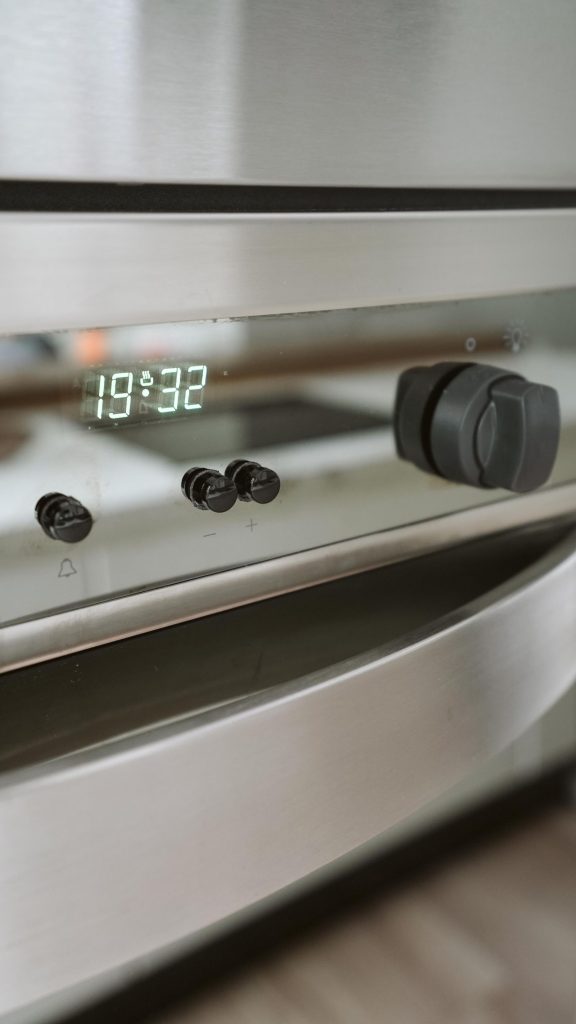
Reading the Wolf display for a wolf induction controls
Note any code before you act, because it narrows the diagnosis more than any other clue. A good first move for most Wolf oven and cooktop problems is a power reset: switch the appliance off at the breaker for 30 to 60 seconds, then restore power. If the code returns straight away, treat it as a real problem pointing at the named part rather than a one-off glitch.
- 3 — liquid or cookware sitting on the controls (clean and dry).
- E22 — stuck key.
- E6 — no or wrong pan; use flat magnetic cookware.
- EA — controller problem if cleaning does not restore response.
Read the exact characters carefully — Wolf’s three wall-oven families and its CI and CE cooktops each use their own scheme, so a code only means what it means on the family that displays it.
When it is a problem, not a habit
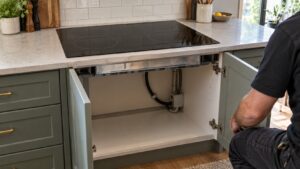
If the everyday checks above do not resolve it, the problem has likely moved from something you can adjust to a component that needs testing or replacing. These are the signs that point that way:
- Controls stay dead on a clean, dry, unlocked panel — the touch board may need service.
- EA appears repeatedly — the controller needs diagnosis.
- Only one zone is unresponsive while others work — that zone’s control circuit.
At this point a proper diagnosis beats guesswork, since the remaining causes involve a specific part or electrical testing. An experienced technician can meter the suspect component and fit a genuine Wolf part so the repair lasts.
Putting it together
Work the checks above in the order given. Most Wolf cooktop problems of this kind clear at one of the early, owner-checkable steps; the ones that do not point to a specific part and are worth a proper diagnosis rather than guesswork. Move from the simplest cause outward, confirm each step before the next, and treat a returning code or a lingering symptom as your cue to bring in help. A little routine care afterward prevents most repeat calls, since Wolf builds these cooktops to a high standard.
Related reading: Wolf cooktop error code archive, Wolf electric cooktop stuck key (code 22), and our cooktop repair service.
Book Wolf cooktop service
If these steps do not resolve it, our experienced technicians repair Wolf cooktops with genuine parts and a 30-day labor guarantee. Schedule a visit, see what our cooktop repair service covers, or confirm your model details on the manufacturer’s site at subzero-wolf.com/wolf.